Video calls that leave a record
Call a teammate, a whole conversation or a customer by link. Record the call and turn on AI analysis, and the transcript, the summary and the action items stay with the call, where your team and its agents can find them.
Start from a chat or from the call log
Call a teammate from a direct message, or join the call of a conversation: it starts quietly, and you ring the people you need. From the Calls section you can start a call without any chat at all and add people as you go.
The call log keeps every call with its time, people and host. A call that is going on shows a running timer and a Join button, and a past call opens with its details, recording, analysis and chat.
Links, guests and the waiting room
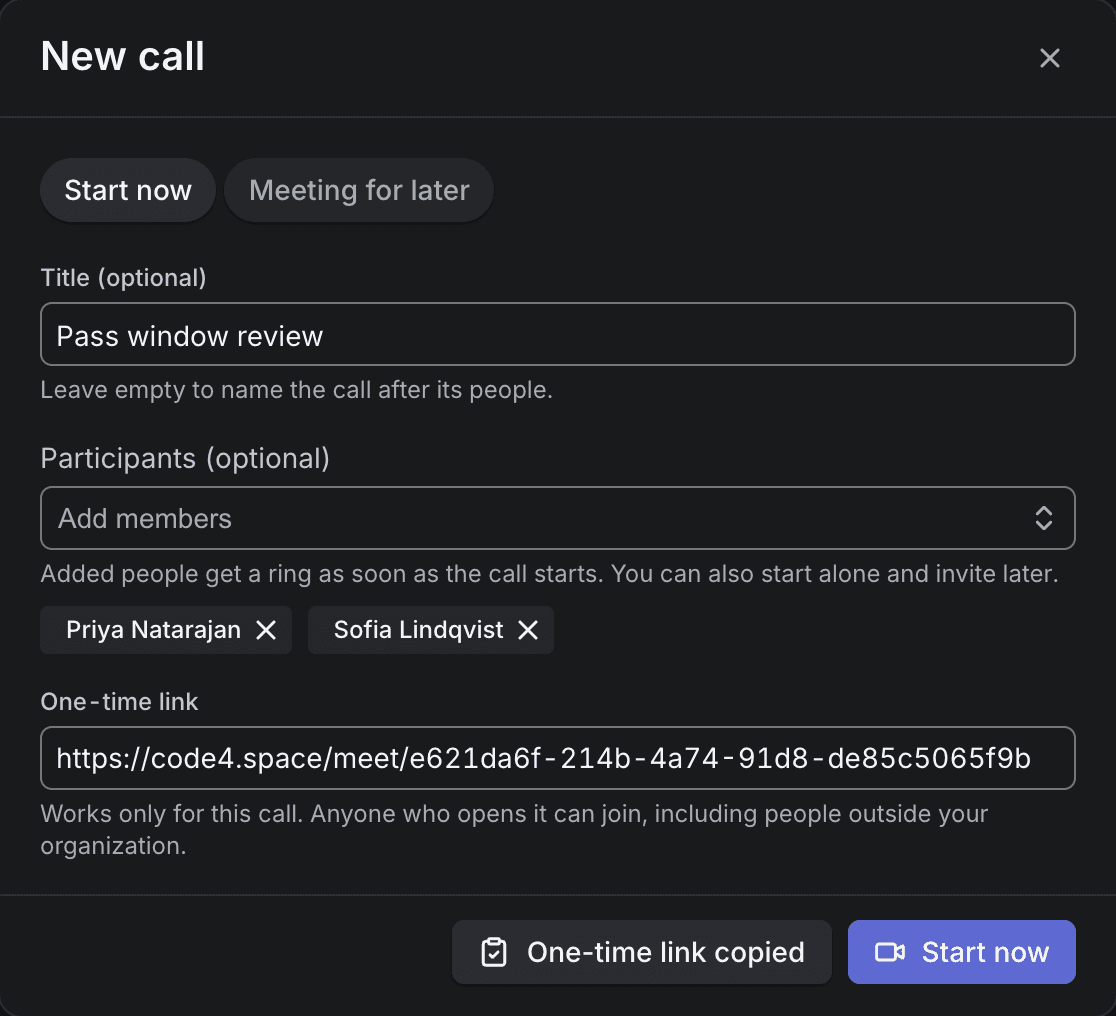
Send a one-time link for a quick call with someone outside the team, or create a permanent link for a meeting that repeats, such as a weekly review with a customer. Every conversation also has its own permanent call link.
Guests join from the browser without an account: they enter a name, check the camera and microphone, and come in. With the waiting room on, people wait until a host or a co-host admits them, one by one or all at once. You choose whether only outsiders wait or everyone does, and whether the call waits for the host.
In the call
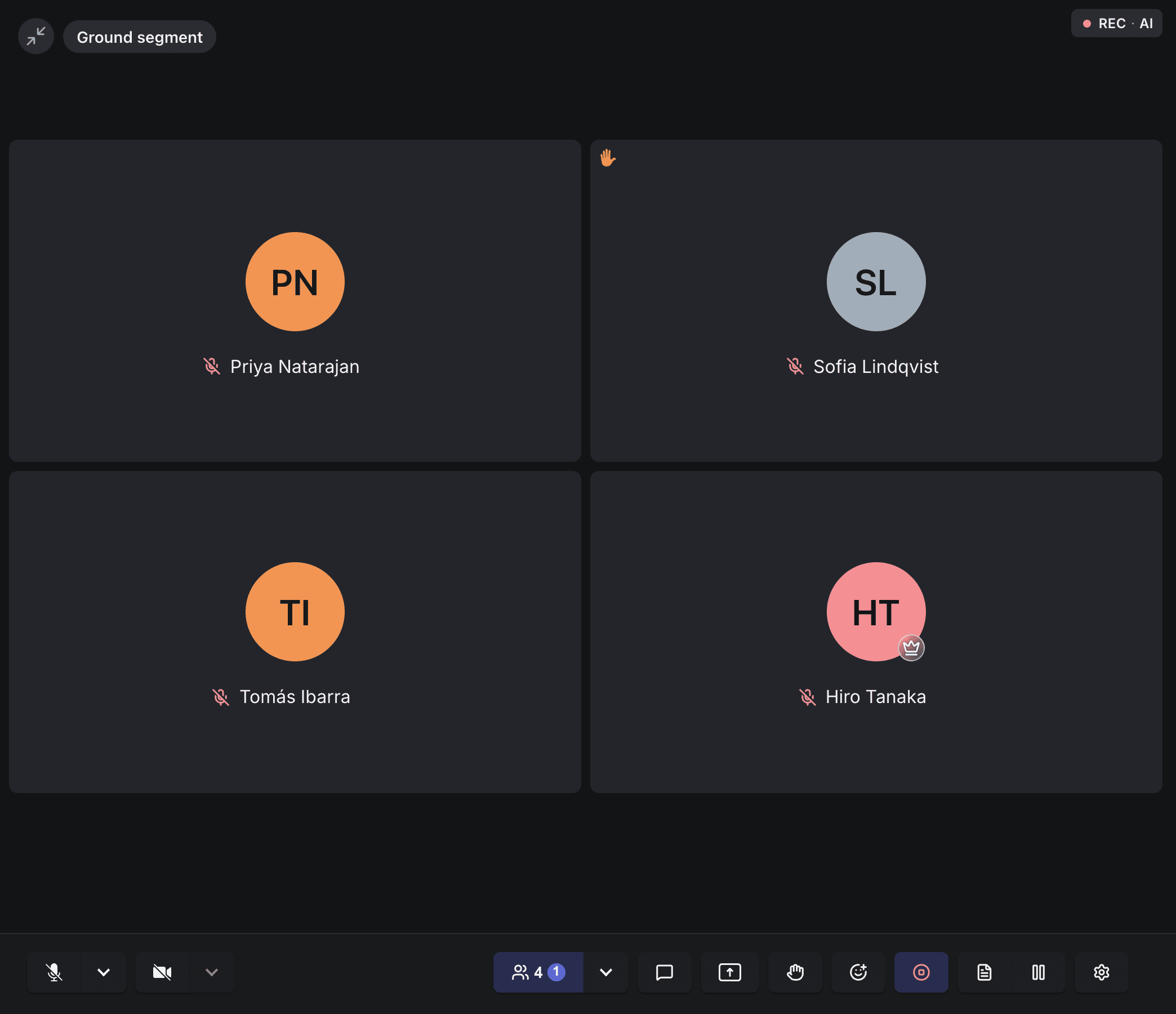
Share your screen, raise your hand, send a reaction, and write in the call chat, guests included. The chat stays with the call and is readable afterwards.
Noise suppression filters keyboard clatter and background hum out of your microphone, and background blur in Chrome hides what is behind you. Collapse the call into a small floating card and keep working in the app; in the desktop app the call follows you into its own small window when you switch to another program.
Live transcript and AI notes
Turn on AI analysis and a live transcript runs during the call. Everyone sees the AI badge and a notice that the call is transcribed. Pause the analysis for a part of the call that should stay off the record, and resume it after.
When the call ends, AI writes a summary with the topics of the conversation and a list of action items with assignees. Each action item lands in the to-do list of the person it is assigned to. The organizer can reassign an item or re-run the summary, and the transcript downloads as text or as subtitles timed to the recording.
Tools for the host
The host and co-hosts admit people from the waiting room, mute everyone else and change the room settings for the current call. The host can lower a hand, remove a participant, or pass the host role to someone else.
When the host leaves, they choose: hand the call over to a new host, or end it for everyone.
Recording
One click starts the recording, and everyone in the call sees the REC badge. The recording appears on the call page for the people who took part.
When the call was recorded with AI analysis on, the player shows chapters: click one to jump to that moment.
Each speaker in their own language
Each person is transcribed in their own spoken language, so a mixed-language call still gets a clean transcript. The language is detected on its own by default; set yours once in your preferences, or change it for a single call.
What was said becomes searchable
Transcripts are part of the knowledge base. The people who were in the call can find what was said through search, and so can their AI agents connected over MCP, on their behalf.
Transcripts and analyses are kept for as long as the call exists: there is no retention period to set.
Questions about calls
- Do guests need an account?
- No. A guest opens the link in a browser, enters a name and joins. Guest links are part of the Premium and Business plans; on Free, calls are for members of the organization.
- How many people can be in one call?
- Up to 5 on Free, up to 50 on Premium, and no limit on Business. A direct call between two people is outside these limits.
- Who can read a transcript?
- The people who took part in the call. They can open the analysis and the transcript, find it through search, and reach it from AI clients connected over MCP on their behalf.
- Does everyone know when a call is recorded or transcribed?
- Yes. Everyone in the call sees the REC badge while it is recorded and the AI badge while it is transcribed, with a notice when AI analysis starts.
- How much transcription is included?
- Free includes 60 minutes a month for the organization. Premium includes 300 minutes a month per seat, and Business 600 minutes a month per seat.